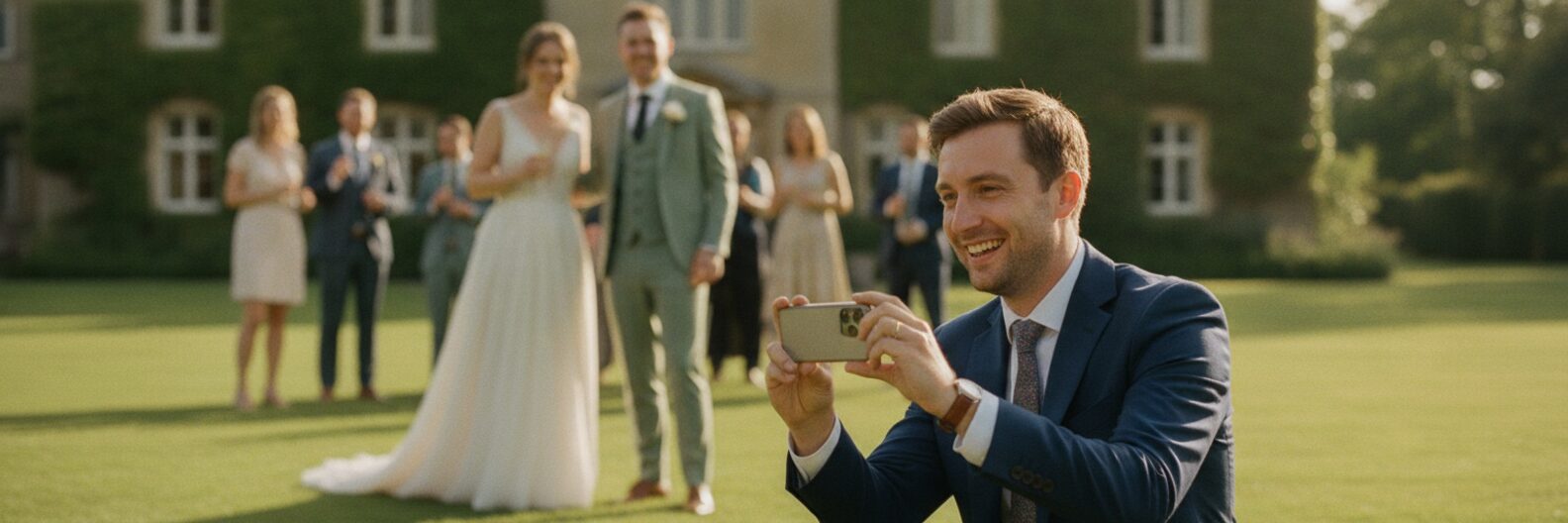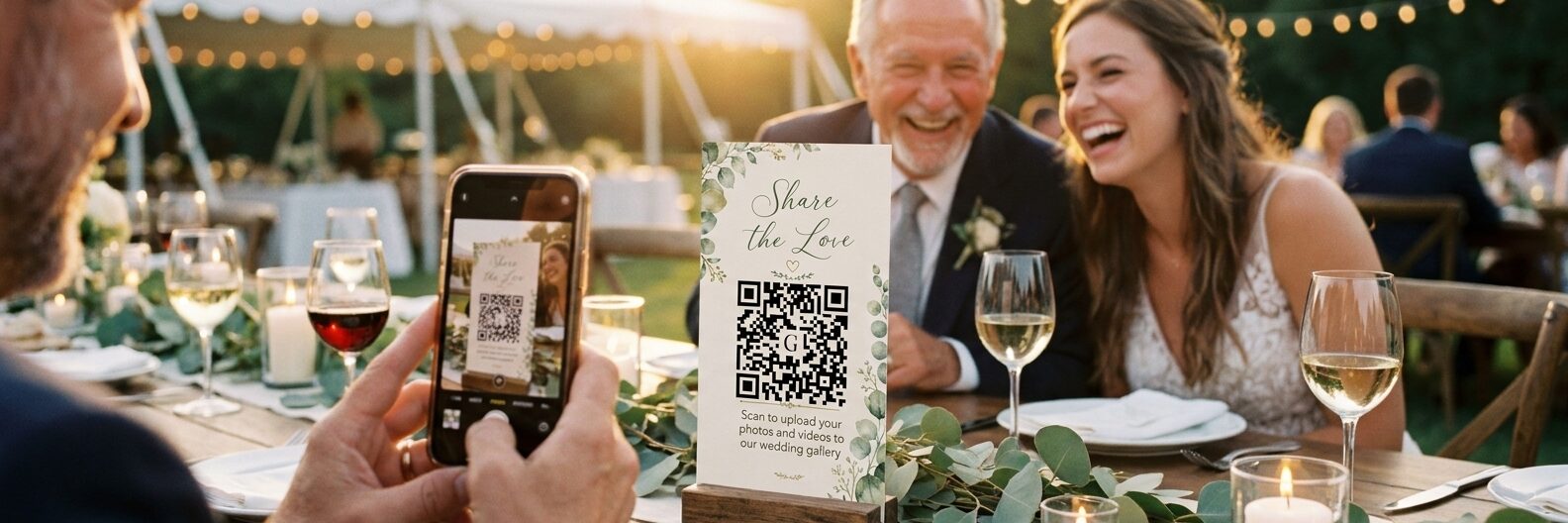
A QR code on the tables is one of the loveliest ways to collect guest photos. Everyone has a phone, everyone's taking pictures, and all they have to do is scan and share. Get it right and you wake up the morning after to hundreds of photos you'd never have seen otherwise: the kids taking over the dance floor, or the bit of the speech you were too busy laughing to remember.
It doesn't always go to plan, though. Browse Reddit or the wedding forums and the same few stories pop up again and again, whichever app people used. The good news is that every one of them can be avoided. Here are the ten we see most often, and how we've made sure they don't happen with Gather & Group.
1. Hardly anyone uploaded
This is the big one. "I had 80 people at my wedding. 3 people used it," wrote one couple. Another had QR cards on every table and got a single photo, from a cousin. "What a wasted effort."
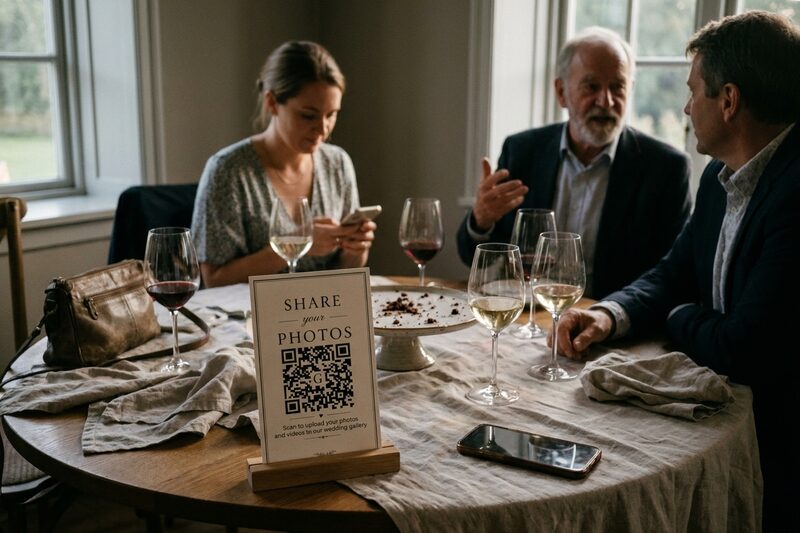
It's rarely because guests didn't care. Usually something got in their way: an app to install, an account to make, an upload that didn't go through, or nobody mentioning the code was there. Take those hurdles away and guests are happy to share, and most of this list is about doing exactly that.
We're so confident your guests will use ours that we back it with a promise. If none of them upload a single photo or video, email us within 14 days of the wedding and we'll refund you in full. Here's our no-risk promise.
2. Guests had to download an app or sign in
Picture your grandma at the reception being asked to find the App Store, remember her Apple ID password and set up an account. She's not going to do it, and neither are most of your friends after a few drinks. As one couple put it, the account sign-up "made people just not do it".
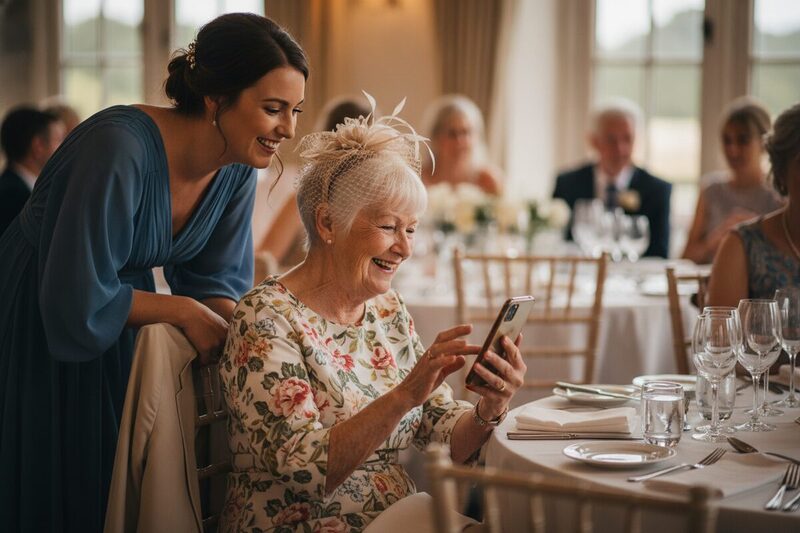
The free routes trip people up too. A shared Google Drive folder sounds simple until you find out, as one couple did, that "you can only add photos to a Google Drive folder from your phone if you have the Google Drive app downloaded". Plenty of iPhone users don't have a Google account at all.
With Gather & Group, guests scan the code and a page opens in their phone's browser. They pop their name in, choose photos and videos from their camera roll, and they're done. There's nothing to install and no account or password, on iPhone or Android. "Everyone loved the QR code, even our parents managed to do it," one couple told us in their Google review.
3. Uploads failed on the day
Nobody wants their guests staring at an error message when they're trying to share. "Very few people were able to upload photos because they encountered error messages," wrote one couple about an app they'd paid for. Others had videos that wouldn't go, or an app that refused iPhone photos altogether.
Wedding venues don't always help. Old barns, country houses and stone churches are gorgeous, and terrible for phone signal.
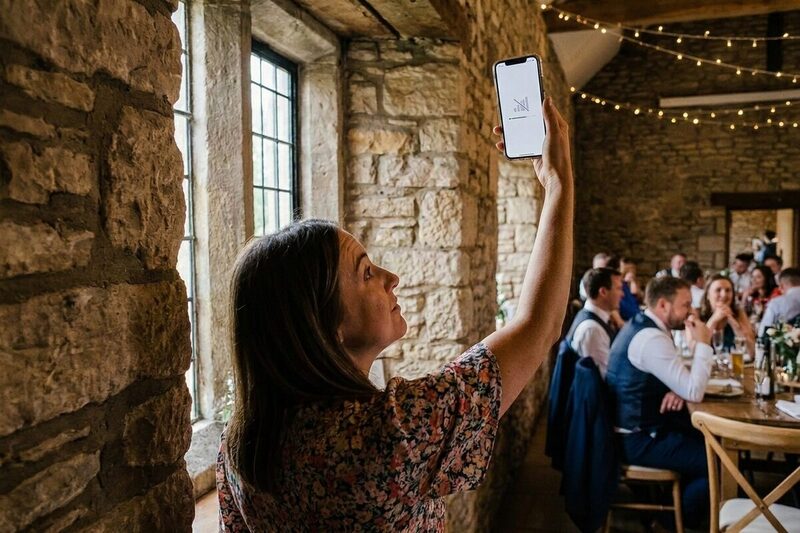
We built our uploads with those venues in mind. Big files, videos included, go up in small pieces, and if the signal drops, the page quietly tries again. It accepts the formats phones actually use, including iPhone photos, and there's no file size limit, so the whole of the best man's speech is welcome. If the signal really is hopeless, guests can upload from the sofa the next day.
4. Most of the photos turned up after the wedding
Your guests are busy on the day, eating, dancing and crying at the speeches. Lots of them only think about sharing once they're home, and that's when some of the best photos arrive. "Most guests didn't use our QR code at the wedding, but they uploaded their photos to our Google Drive over the week or so after," said one couple. Others weren't so lucky. One app closed uploads after three days, and the couple had to pay extra to keep it open.
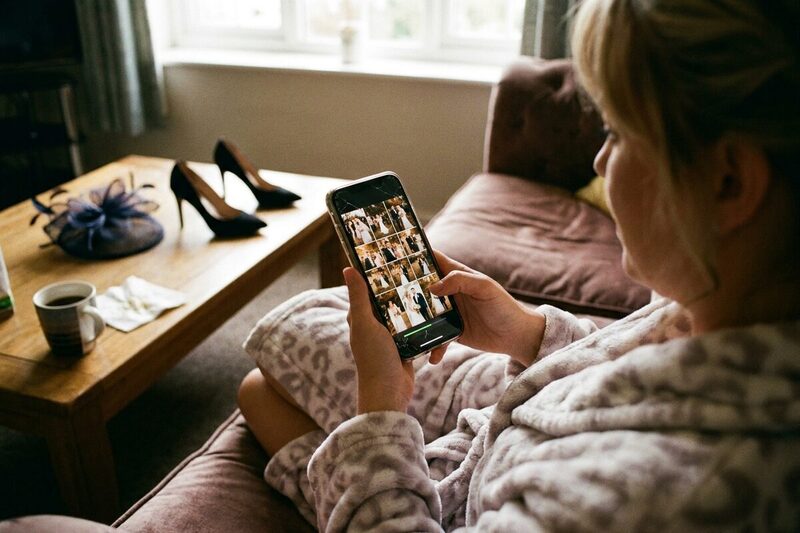
Your Gather & Group gallery stays open to uploads for your whole storage period: 3 months on our Basic plan and 12 months on our Premium plan, from the wedding date. On our Premium plan you can add your guests' email addresses and we'll send them a friendly reminder or three after the wedding.
5. The QR code stopped working
This one catches out couples who make their own code. Lots of "free" QR code websites only keep your code working for a trial, then email to say it's expiring unless you subscribe. One couple found they'd "need to pay $12/month to reactivate", after their stationery had gone out.
Your Gather & Group code takes guests straight to your own upload page, and there's no subscription to keep it alive. Print it months ahead and it'll still work on the day. You can download it to add to your own stationery, or choose from our eight printed table card designs.
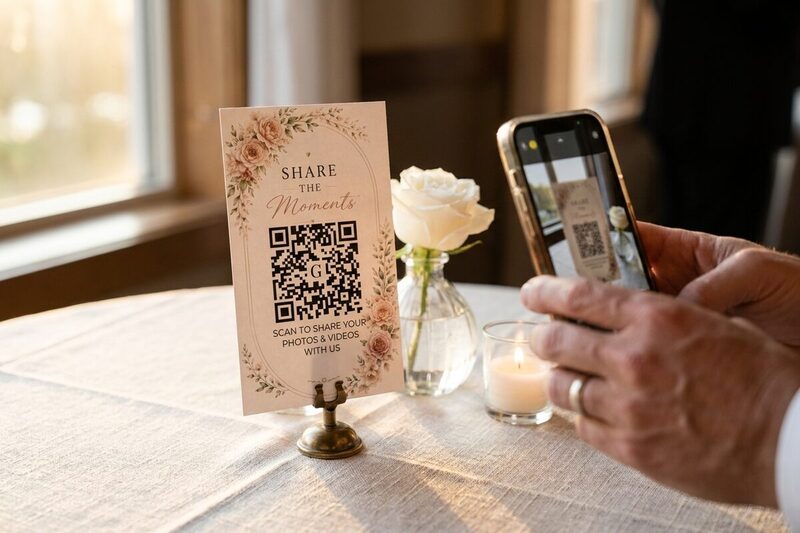
Whatever you use, give it a test run before anything goes to print. Scan it on an iPhone and an Android, and upload a photo. Our free trial gives you five uploads for exactly that.
6. Surprise charges and limits
Nobody likes finding the small print halfway through their reception. One couple's free plan stopped at 100 uploads, so they "made the upgrade during the event itself". Others paid again to download their own photos, or paid per guest for people who never scanned the code.
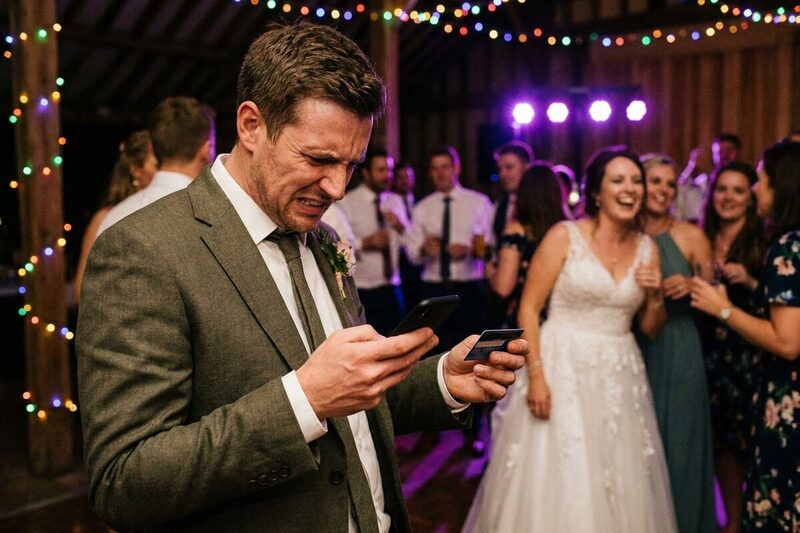
With us you pay once, before the wedding, and that's it. Both plans include unlimited uploads from as many guests as you invite, and downloading everything is included. There's no per-guest charge and no subscription. The only extras are lovely things you might choose, like printed cards or a photobook. Here's what each plan includes.
7. Photos came back small, or one at a time
Imagine finding the perfect candid of your first dance and discovering it's too small to frame. One couple found their downloaded copies had shrunk to "540x720 pixels and 427KB". Some apps squash photos to save space, the same way WhatsApp does.
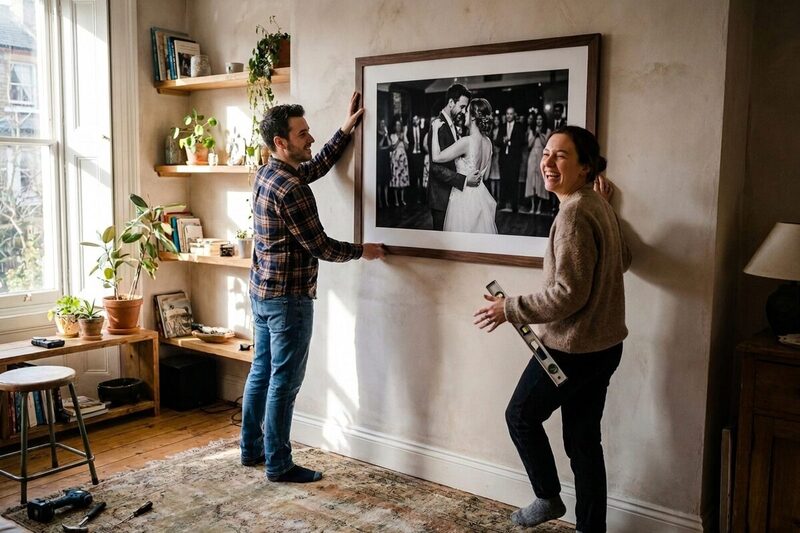
Then there's getting them out. "I'm bashing my head against the wall here downloading one picture at a time," wrote one newlywed.
We keep every photo exactly as it came off your guest's phone, on both plans, so that first dance candid is ready for the frame. When you want them, one button downloads the whole gallery as a single ZIP file, from your phone or your computer. On our Premium plan you can also download folders sorted by person, or send everything straight to Dropbox, Google Drive or OneDrive.
8. Photos went missing, or the app shut down
The hardest stories to read were from couples who lost photos altogether. Some uploads looked successful and never appeared. A couple of wedding apps have closed down, and one couple said they "didn't get the notification to backup/download our photos... Some of my best photos were on that app."
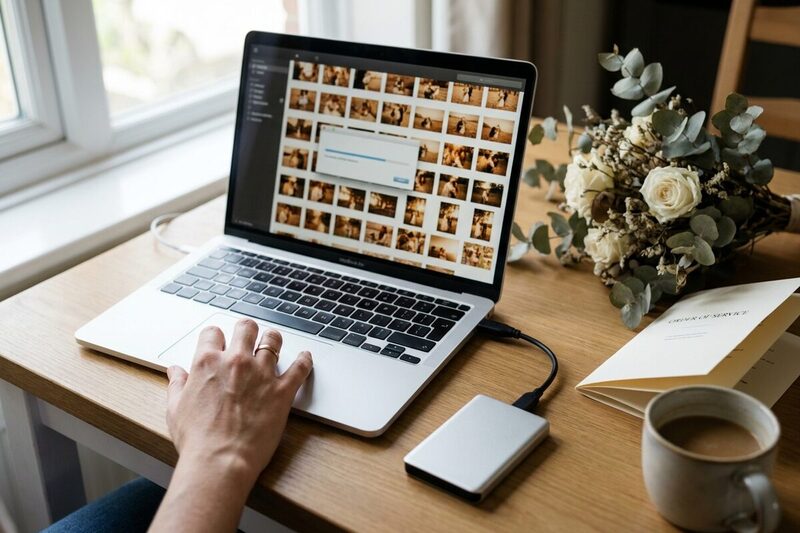
No company can promise to be around forever, so we make it easy to keep your own copy. You can download your full gallery as often as you like, right from the wedding day. Before your storage ends, we email you 30, 7, 3 and 1 day ahead, then keep everything for another 30 days in case life got in the way. And if you'd like longer, you can extend.
9. Hundreds of photos and no way to sort them
Here's a nice problem to have. It worked, and now you've got hundreds of photos. Some are blurry, some are dark, and there are five of Uncle Pete pulling the same face. "95% of the guest photos I saw from my wedding were just shots of people standing posed with their dates," one newlywed said.

Our smart quality filter hides the blurry and badly lit shots with one tap, on both plans. Nothing gets deleted; switch it off and they're all still there. Duplicates are caught as they arrive, too.
On our Premium plan we also group faces across every guest's photos, so you can name your grandma once and see every photo she's in, whoever took it. It's the feature couples mention most. "I can even tag a person and it will show me the photos with them in," one wrote.
10. Privacy worries
Some apps do too much on their own. Auto-share features have scooped up photos guests never meant to send, and one couple warned others to "shut off auto share, we had some funny pictures accidentally updated".
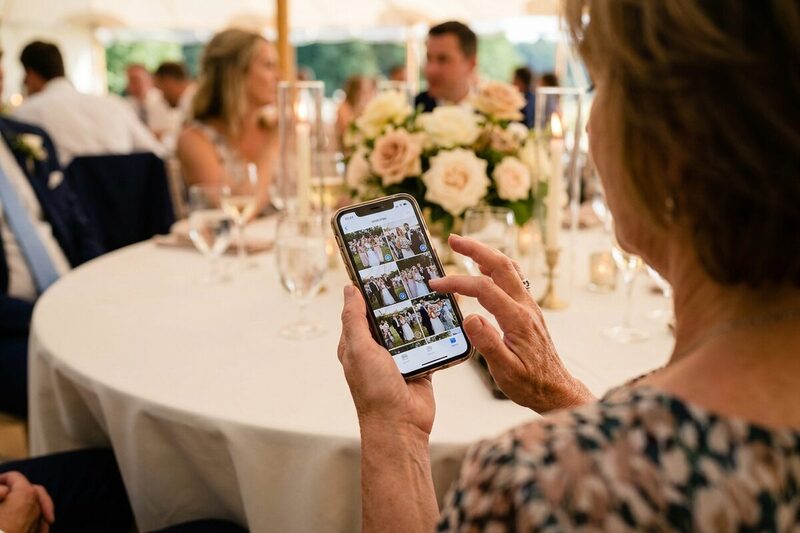
With Gather & Group, nothing is shared unless a guest picks the photos and taps upload. Guests can't see each other's photos; only you can. If you'd like to share the gallery with guests afterwards, you can do that on our Premium plan with a private link, a password if you want one, and an end date. All the clever bits, like face grouping, happen on our own servers, and we never send your photos to Google, Amazon or anyone else's AI. There's more on this in why wedding photo privacy matters.
A few things that help, whatever you use
The couples with the fullest galleries tend to do the same few things, and none of them take long.
- Put the code on every table. A single sign by the door is easy to miss once the party gets going.
- Tell people what it's for. One couple tried it at two events, only explaining the codes at one, and said the difference "was night and day". A quick mention in a speech or from the DJ is plenty.
- Send the link to your bridal party before the day, so a few photos are in early and others follow their lead.
- Remind everyone afterwards. On our Premium plan we can do that for you.
- Ask your venue about Wi-Fi, and put the password on the card if there is one.
Our guide to setting up a wedding QR code that works has plenty more ideas.
Do guests need to download an app to use Gather & Group?
No. Guests scan the QR code and upload from their phone's browser. There's no app to install and no account to create, on iPhone or Android.
What happens if the signal at our venue is bad?
Uploads keep retrying on their own, so a weak signal slows things down without losing photos. If it's really poor, guests can upload from home after the wedding.
Will our QR code expire?
No. Your code doesn't change and there's no subscription to keep it working. It works for as long as your gallery is open to uploads.
Are guest photos compressed?
No. We keep the original file each guest uploads on both plans, and that's the file you download.
Is there a limit on photos or guests?
No. Both plans include unlimited uploads from any number of guests, with no charge per guest and no fee to download your photos.
What if none of our guests upload anything?
Email us within 14 days of the wedding and we'll refund you in full.
The easiest way to see how it feels for your guests is to try it yourself. Our free trial gives you five days and five uploads to scan your own code and share a few photos, just like your guests will. No card needed.