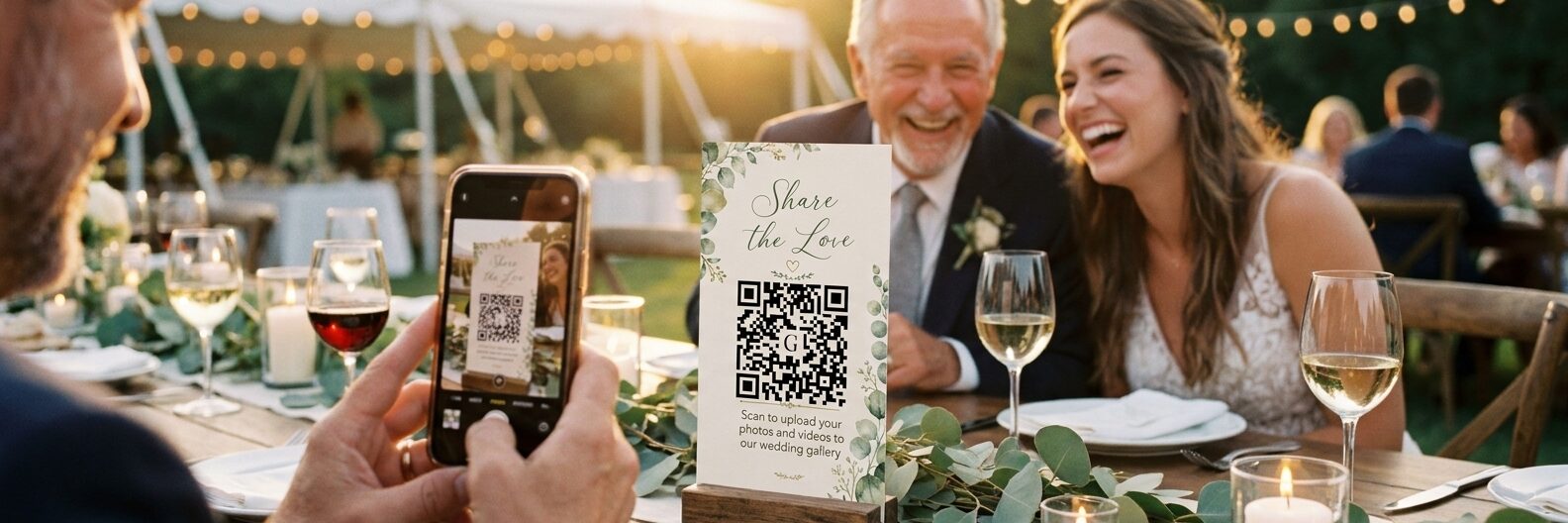
A QR code sign on your tables costs almost nothing, takes one tap, and it works for the 78-year-old great aunt as well as the twenty-somethings on the dancefloor.
But a QR sign only works if the code points somewhere that works.
Step 1: Decide where the code should point
Decide this before you design anything pretty. Your QR code is just a link - so the real question is what happens after someone scans it.
The three common options, and how they behave in practice:
- A shared cloud folder (Google Drive, Dropbox). Free, but the link often lands guests on a sign-in screen or an app prompt. Every guest who is not already signed in is a guest who gives up.
- A shared Google Photos album. Also free, and fine for a small wedding, but contributors need a Google account to add photos reliably. We covered the trade-offs in our guide to collecting wedding photos for free.
- A dedicated upload page. The code opens a simple page in the phone's browser where guests pick their photos and upload. No app, no account, no sign-in. This is what a wedding QR code for photos is designed to do, and it is the option that holds up across a full guest list.
Whatever you choose, the test is the same: hand your phone to someone who has never seen it and watch how many taps it takes. Every extra step costs you photos.
Step 2: Generate the code
Once you know the destination, generating the code itself is the easy part. A few things worth getting right:
- Use a high error-correction level. It makes the code readable even if the print is slightly smudged, the card gets a drink spilled on it, or the light is low.
- Keep good contrast. Dark code on a light background scans best. Very low-contrast codes - pale grey on cream, for instance - look elegant and fail in a dim reception room.
- Do not shrink it too far. As a rule of thumb, keep the code at least 3cm across on a table card and considerably larger on a poster or easel sign.
- Leave a quiet border. QR codes need a margin of clear space around them. Designs that crop right up to the edge of the code can stop it scanning.
If you are with Gather & Group, this is handled for you - your gallery generates its own code with the right settings, and you can drop it straight into a sign.
Step 3: Choose your design
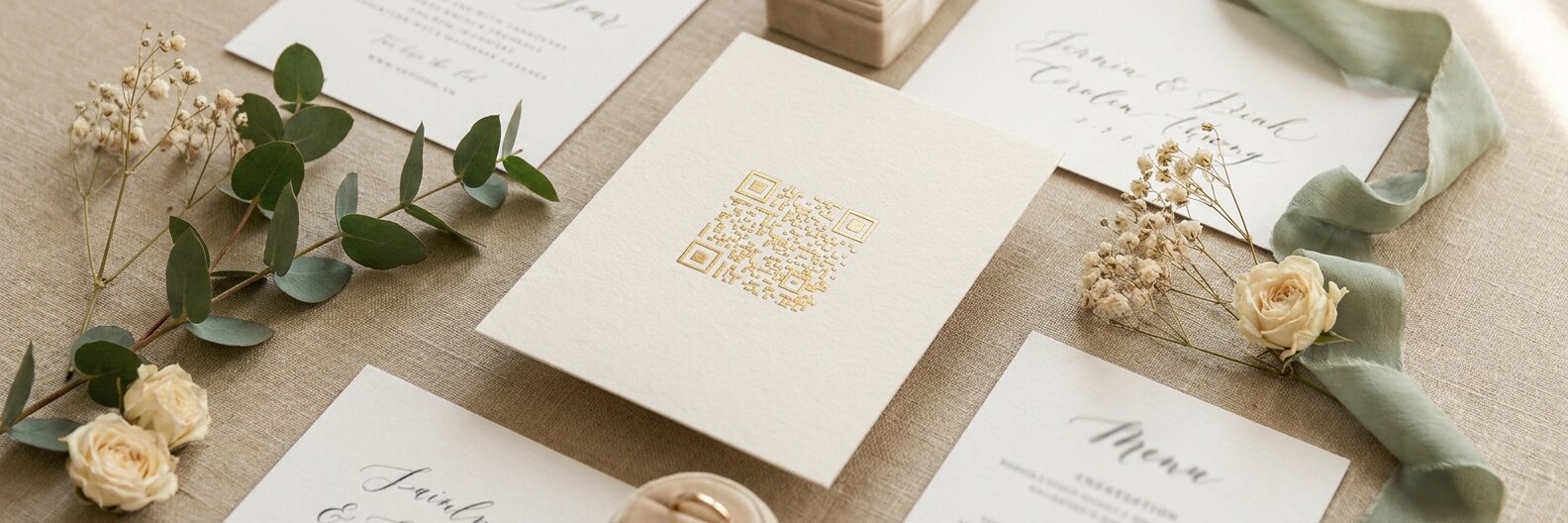
This is where most couples end up buying a template. You can, but you do not have to: every Gather & Group plan includes our full set of card designs, with your QR code already placed correctly on each one.
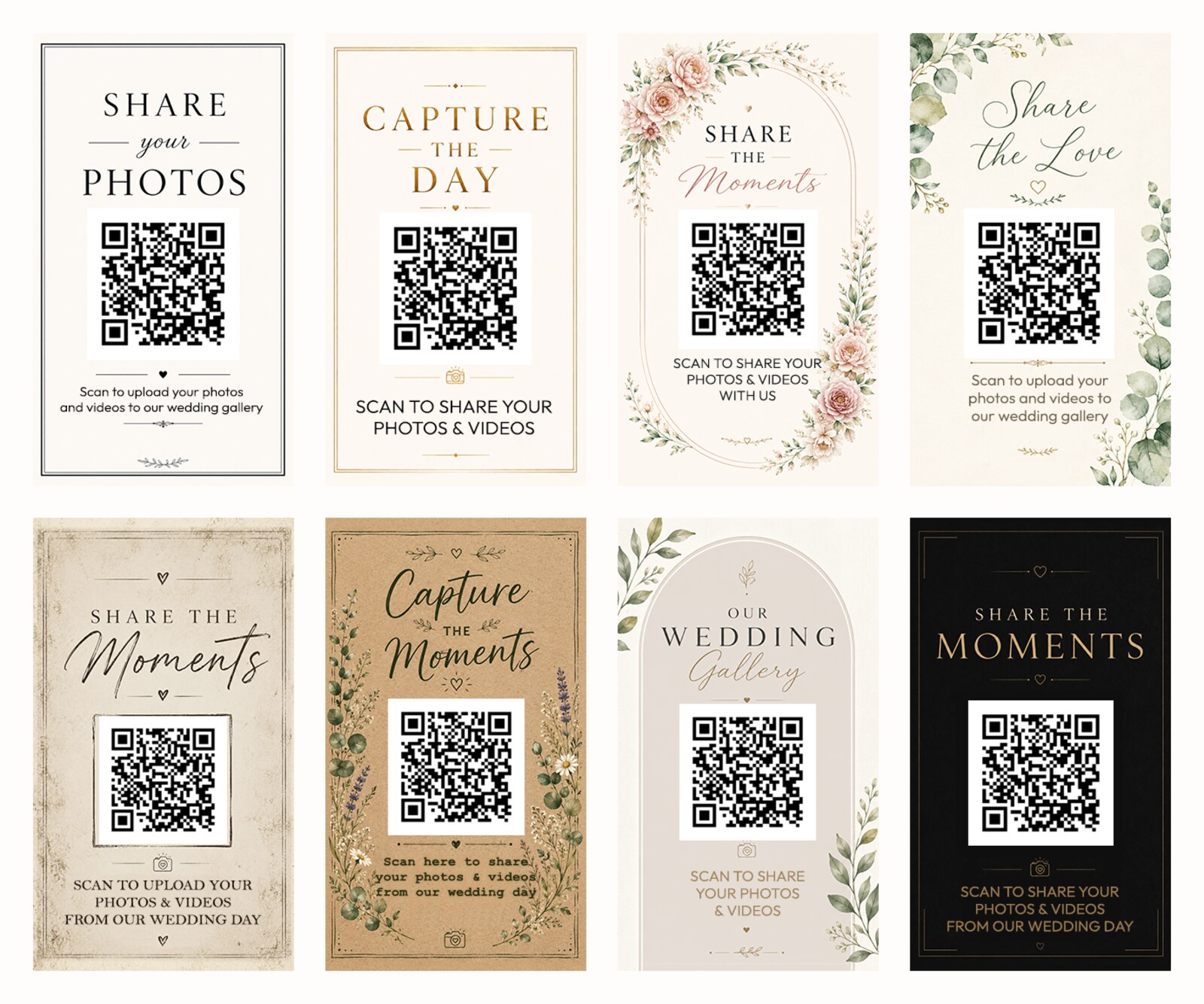
There are eight styles - Modern Minimal, Editorial Luxury, Romantic Floral, Botanical Watercolour, Rustic, Rustic Woodland, Modern Arch and Dark Elegance - so there is generally something that sits alongside your stationery rather than fighting it. You can download them as a print-at-home PDF, or have professionally printed cards delivered to your door.
Step 4: What to write on the sign
Guests need to know what will happen when they scan, or they hesitate. The signs that work say three things:
- What to do: "Scan to share your photos".
- Where it goes: "...to our wedding gallery" - so it is clear this is for the couple, not a public feed.
- That it is easy: "No app needed" removes the main hesitation for older guests.
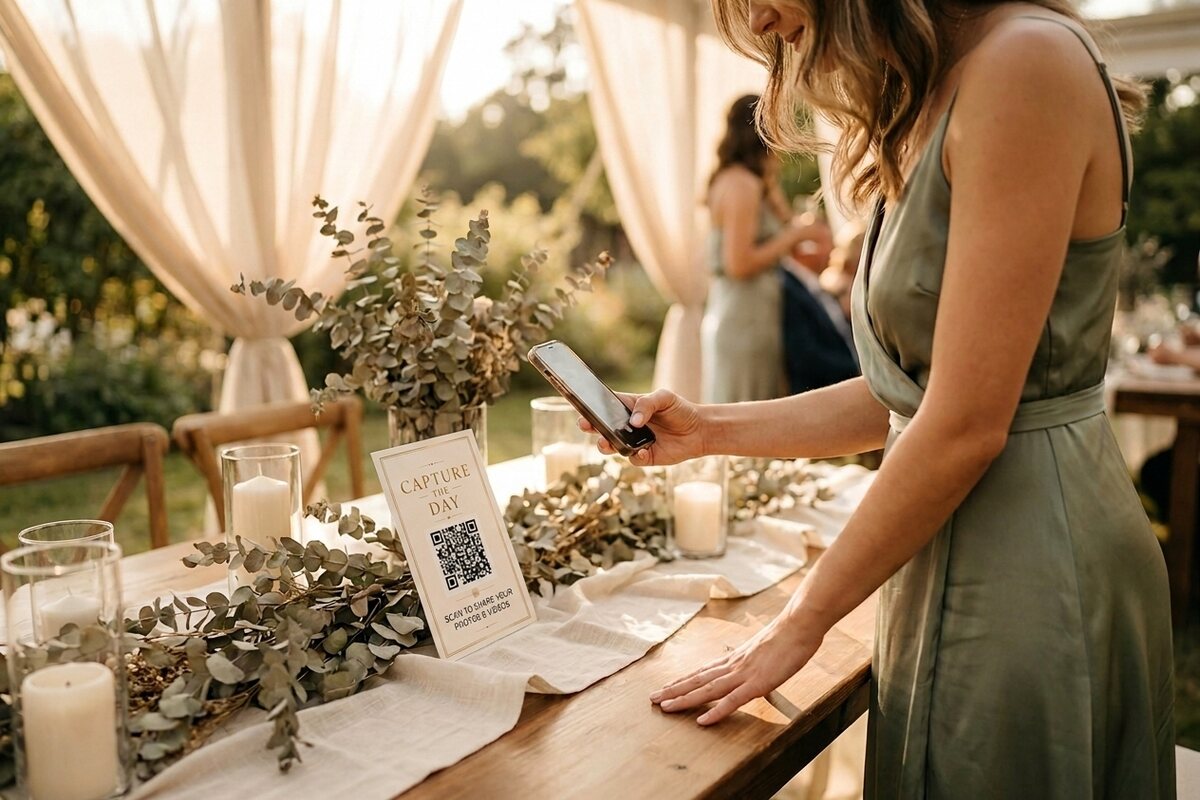
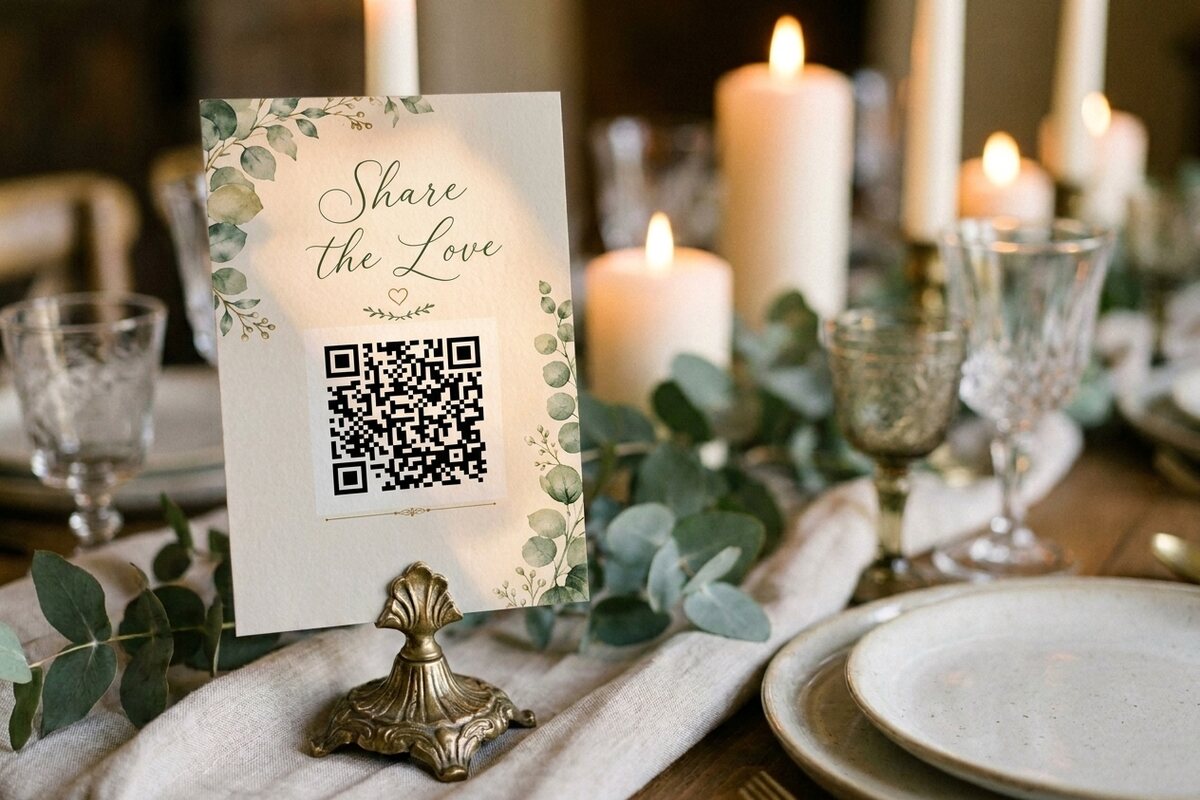
Classic wordings like "Capture the Day", "Share the Moments" and "Share the Love" work well as a heading, as long as the practical instruction sits underneath it. Pretty on its own is not enough - a sign that only says "Capture the Love" leaves guests guessing.
Step 5: Where to put your signs
One sign at the entrance is not enough. Photos come in when the code is in front of people at the moment they have just taken a shot:
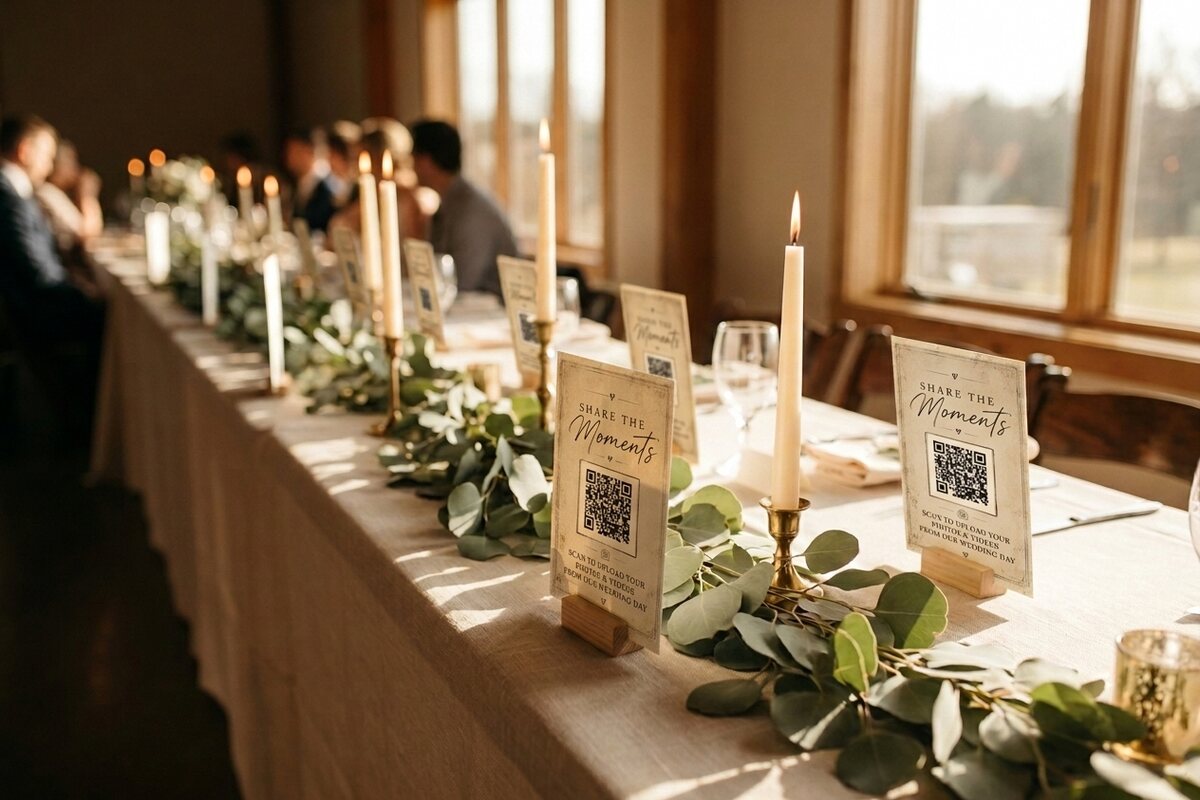
- On every table - the placement that gets the most scans, because that is where guests sit between the moments they photograph.
- At the entrance or welcome table, so people see it as they arrive.
- By the bar, where guests queue with nothing to do but look at their phone.
- In the order of service or on place cards, so everyone has one to take away.
- Near the photo booth or dancefloor, which is where the best candids happen.
The mistakes that break QR signs
Almost every "our QR code did not work" story comes down to one of these:
- Nobody tested it. Test on both an iPhone and an Android, ideally on someone else's phone, and from across a table rather than up close.
- The link needed a login. Guests scan, hit a sign-in wall, and give up.
- The venue has no signal. Ask about wi-fi and put the network name on the sign if it is patchy. Reassure guests they can also upload the next day.
- The code was printed too small or too pale. Elegant, unreadable, useless.
- The sign was face-down behind a centrepiece. Check the tables once they are dressed, not just in the plan.
Frequently asked questions
How do I make a QR code for my wedding photos?
First decide where the code should point - ideally a dedicated upload page that opens in a guest's browser with no app or sign-in. Then generate the code with a high error-correction level and good contrast, add it to a sign, and test it on more than one phone before the day. With Gather & Group the code is generated for you when you create your gallery.
Is there a free wedding QR code sign template?
Plenty of shops sell templates, but you do not need to buy one separately: every Gather & Group plan includes eight card designs with your QR code already placed, ready to print at home or order as printed cards.
What size should a wedding QR code be?
Keep it at least about 3cm across on a table card, and larger on a poster or easel sign so it can be scanned from a step or two away. Leave a clear margin around the code and keep the contrast strong - pale codes on pale backgrounds often fail in dim reception lighting.
What should a wedding photo QR sign say?
Tell guests what to do, where the photos go, and that it is easy - for example "Scan to share your photos and videos with us" plus "no app needed". A decorative heading like "Capture the Day" works nicely above that practical line.
Want a QR code and matching signs that just work? Try Gather & Group free - your gallery, your code and all eight card designs are ready in minutes.