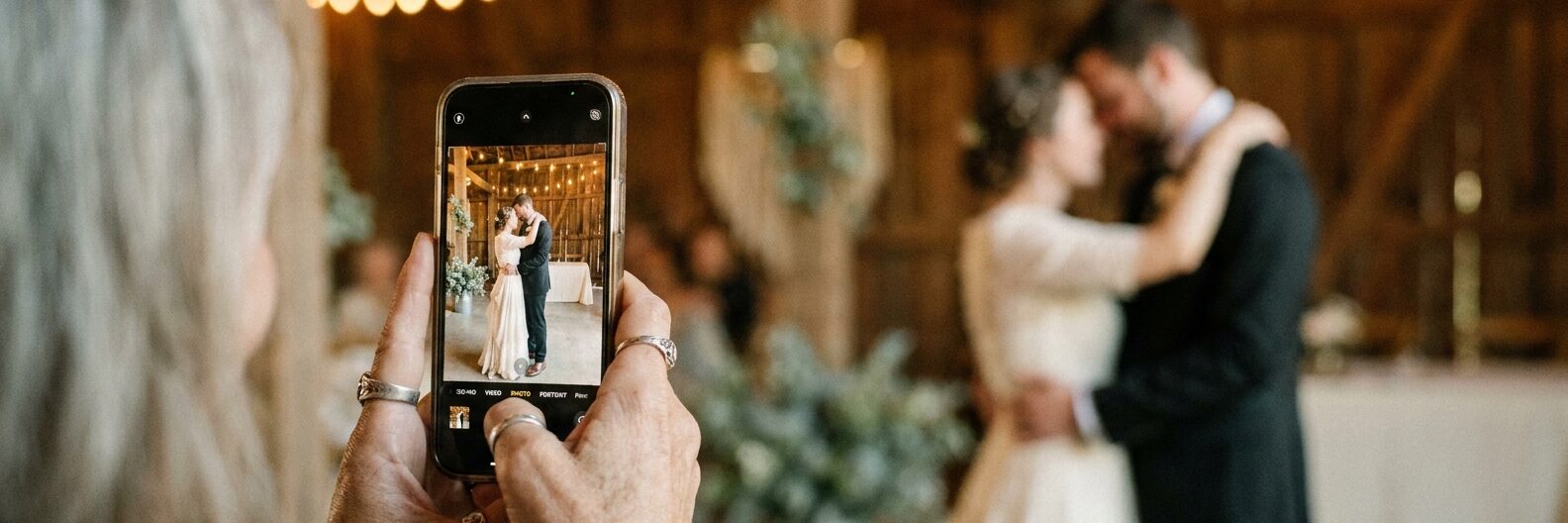
You have just been part of something worth remembering - a birthday, a big trip, a family reunion, a wedding - and everyone had their phone out. Between all of you there are hundreds of brilliant photos. The problem is they are now scattered across a dozen phones, and getting them into one place usually means nagging people for weeks and still ending up with half of them.
It depends on how many people are involved and how much friction they will tolerate. Below we compare the six methods people use, with the pros and cons of each, and a simple recommendation based on your group size.
The quick answer
For a small group of close friends or family, a shared album in Google Photos or iCloud is free and good enough. For a larger event where you cannot rely on everyone having the same phone or account, a QR code photo album - like Gather & Group - is the easiest: guests scan a code, upload, and never have to download an app or sign in.
| Group size or situation | Best option |
|---|---|
| 2 to 10 people you know well | WhatsApp, iCloud Shared Album, or Google Photos |
| 10 to 30 people | Google Photos or a shared Google Drive / Dropbox folder |
| 30 to 100+ people (events, weddings, parties) | Gather & Group (scan a QR code) |
What makes a good way to collect photos from a group?
The best option for you is the one that scores well on the things your group cares about:
- Low friction: every extra step - downloading an app, creating an account, being added manually - loses you photos. The fewer the steps, the more you get back.
- Original quality: messaging apps quietly compress photos. If you want prints or a keepsake later, you need the full-resolution files.
- Works across iPhone and Android: anything tied to one ecosystem (AirDrop, iCloud) leaves half your group out.
- Privacy: who can see the photos, and does everyone have to hand over an email address or join a public folder?
- Ease of downloading afterwards: collecting is only half the job - you still need to download everything in one go afterwards.
1. QR code photo sharing
Best for: events, parties, weddings, reunions - any group over about 30 people.
Purpose-built tools let you create a private online album, then share it as a QR code or link. People scan with their phone camera, upload straight from their camera roll, and that is it - no app to install, no account to create. Because there is almost no friction, you typically get far more photos back than with any other method.
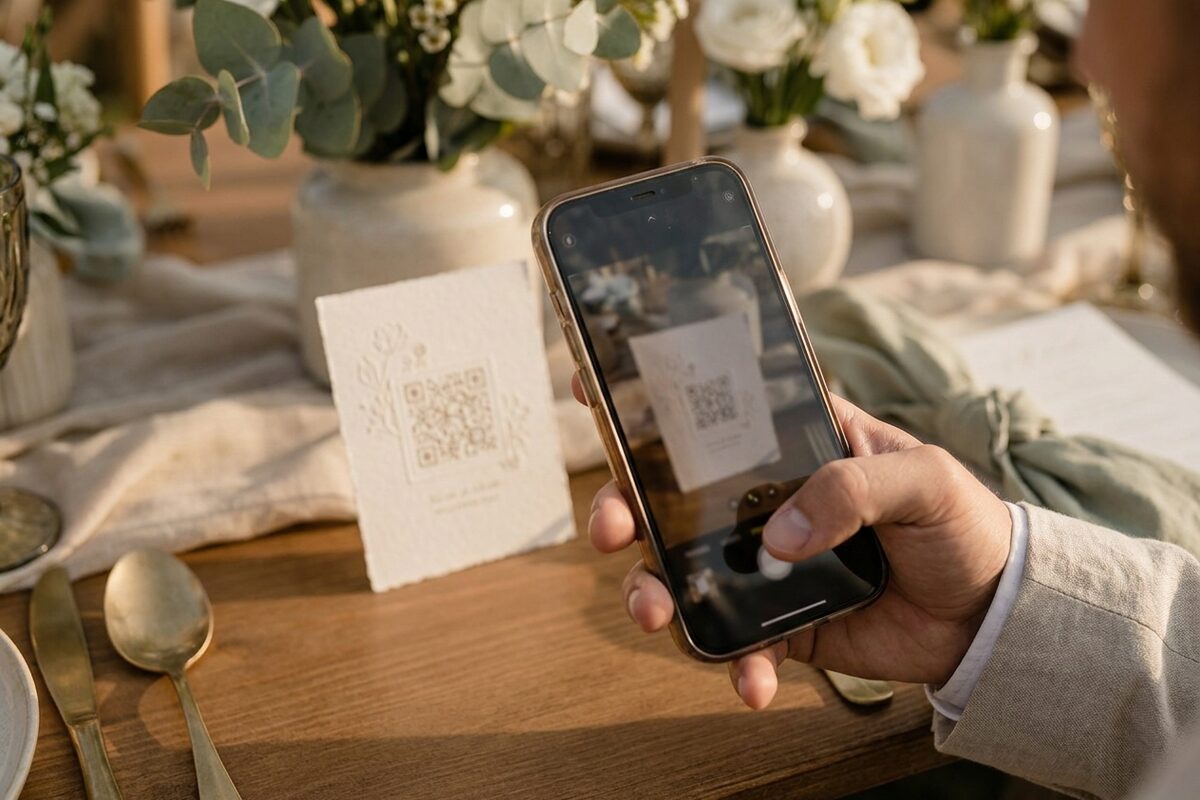
This is the category Gather & Group is built for. Most QR tools dump every upload into one endless feed and leave the sorting to you. Gather & Group automatically organises what comes in: grouping photos by the people in them, filtering out the blurry and duplicate shots, and letting you download the whole lot in one go or turn it straight into a printed photobook. You end up with a finished, sorted collection rather than a thousand-photo dumping ground.
Pros: the lowest possible friction for guests; works on any phone; keeps full quality; everything lands in
one private gallery. With Gather & Group it also arrives already organised.
Cons: usually a paid product (though Gather & Group is a one-off fee, not a subscription); overkill for a handful of
people.
2. Google Photos shared albums
Best for: small to medium groups who mostly use Google.
Create a shared album, send the link, and anyone can add their photos. It is free, familiar, and keeps reasonable quality. The catch is that contributors need a Google account to add photos reliably, and on a busy day people will not stop to sign in.
Pros: free; most people already
have it; decent quality.
Cons: best experience needs a Google account; uploads count against storage; can feel fiddly for less tech-confident guests.
3. Shared Google Drive or Dropbox folder
Best for: medium groups where you want the raw files.
A shared folder with upload access preserves original quality and is great when you specifically want the untouched files - for editing or printing later. But you are asking people to leave their photo app, open a browser or the Drive/Dropbox app, and upload manually, which is more effort than most guests will make.
Pros: keeps full
resolution; easy bulk download.
Cons: clunky on a phone; storage limits fill quickly with videos; not the friendliest for a crowd.
4. WhatsApp or group chat
Best for: a handful of close friends or family, right now.
The default for most groups because everyone already has it. It is instant and effortless - but it compresses photos heavily, buries them in a stream of messages, and becomes unmanageable the moment more than a few people are posting. Great for a laugh on the day, poor for a permanent collection.
Pros: zero setup; everyone has it.
Cons: photos are compressed;
no easy way to download everything at once; chaos at scale.
5. iCloud Shared Albums or AirDrop
Best for: all-Apple groups.
If everyone is on an iPhone, a Shared Album or a round of AirDrop works well and keeps quality high. The obvious limitation is that it excludes every Android user in the room, so it rarely works for a mixed group.
Pros: seamless on Apple devices; good
quality.
Cons: Apple-only; useless for mixed groups; AirDrop needs people in the same room.
6. Email or WeTransfer
Best for: one or two people sending you a batch.
Fine when a single person needs to send you their photos, but it does not scale - you end up with a dozen separate transfers to download and merge, and people forget to send at all. A fallback, not a plan.
Pros: no account needed; keeps quality on WeTransfer.
Cons: hopeless for a real group; you do the assembly work.

The methods side by side
| Method | Best group size | App or login needed? | Keeps full quality? | Cost |
|---|---|---|---|---|
| Gather & Group (QR code) | 30 to 100+ | No | Yes | One-off fee |
| Google Photos album | 2 to 30 | Google account | Mostly | Free |
| Google Drive / Dropbox | 5 to 30 | Sometimes | Yes | Free tier |
| WhatsApp / group chat | 2 to 10 | Yes (has it) | No | Free |
| iCloud / AirDrop | 2 to 20 (Apple) | Apple ID | Yes | Free |
| Email / WeTransfer | 1 to 2 | No | WeTransfer: yes | Free tier |
Our pick: for anything beyond a small, close group, sharing by QR code wins - and the one we would choose is Gather & Group, because it is the only one in this table that hands you an organised gallery rather than one unsorted folder.
Which should you choose?
- A small, close group: a Google Photos or iCloud shared album is free and perfectly good. Do not overthink it.
- A group trip or reunion: a shared album or Drive folder works, as long as you set it up beforehand and remind people once.
- A party, event or wedding: share by QR code - Gather & Group is our go-to. When you are dealing with 50, 100 or 200 people you will never all be on the same app, and every extra tap costs you photos. A QR code card on the table that anyone can scan and upload to is what works at that scale, and getting those photos back already sorted saves you hours afterwards.
Why we recommend Gather & Group
Gather & Group is built for exactly the hardest case: large events where you want every guest's photos, without the friction. Guests scan a code, upload straight from their camera roll, and never download an app or create an account.
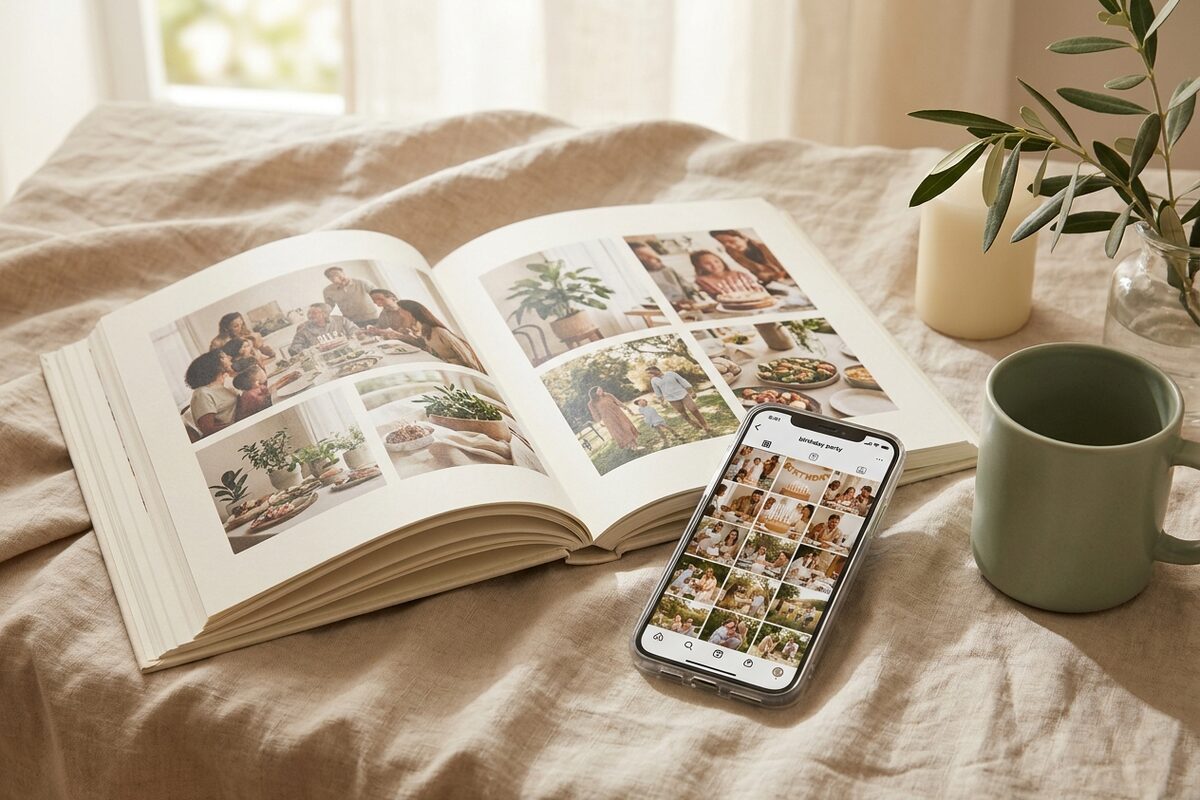
Most tools pile every photo into one big folder and leave the sorting to you. Gather & Group does the work for you:
- No app, no sign-up for guests - one scan and they are uploading, so you capture far more of the day.
- Automatically organised - photos are grouped by the people in them and the blurry, duplicate shots are filtered out.
- Full quality, one-click download - everything lands in one private gallery you can download in a single go.
- Keepsakes built in - turn the best photos into a printed photobook, with the layout done for you.
- One-off price, UK-based and GDPR-compliant - no subscription, and your guests' photos stay private.
It was designed around weddings - where it helps couples collect every photo from their guests - but it works just as well for any large celebration where the photos matter, which is why, for a real event, it is the option we would pick every time.
Frequently asked questions
What is the best free way to share photos with a group?
For a small group, a Google Photos shared album or an iCloud Shared Album (if everyone is on Apple) is the best free option. Both let people add photos to one place at reasonable quality. For larger groups, free tools start to break down because of account requirements and storage limits.
How do I collect photos from a large event or party?
Share your photos with a QR code. You display a code that guests scan with their phone, and they upload their photos in seconds with no app or sign-up. It is the method that keeps friction low enough to work across dozens or hundreds of people.
How do I collect group trip photos without losing quality?
Avoid messaging apps like WhatsApp, which compress images. A shared Google Drive or Dropbox folder, or a dedicated photo album that preserves originals, will keep your photos at full resolution for editing or printing later.
What is the best app for a wedding or large event?
For a wedding or any event with a lot of guests, a QR code for photos wins, and Gather & Group is our recommendation - guests upload with a single scan, and you get back a gallery that is already sorted by person, cleaned of blurry shots, and ready to download or turn into a photobook.
What is the easiest way for guests to share photos with no app download?
A QR code or link that opens a simple upload page in the phone's browser. Guests scan, choose their photos, and upload - nothing to install and no account to create. This is exactly how Gather & Group's wedding photo sharing app works.
Ready to collect every photo from your next big event? Try Gather & Group free and see how much easier it is when guests can share in a single scan.