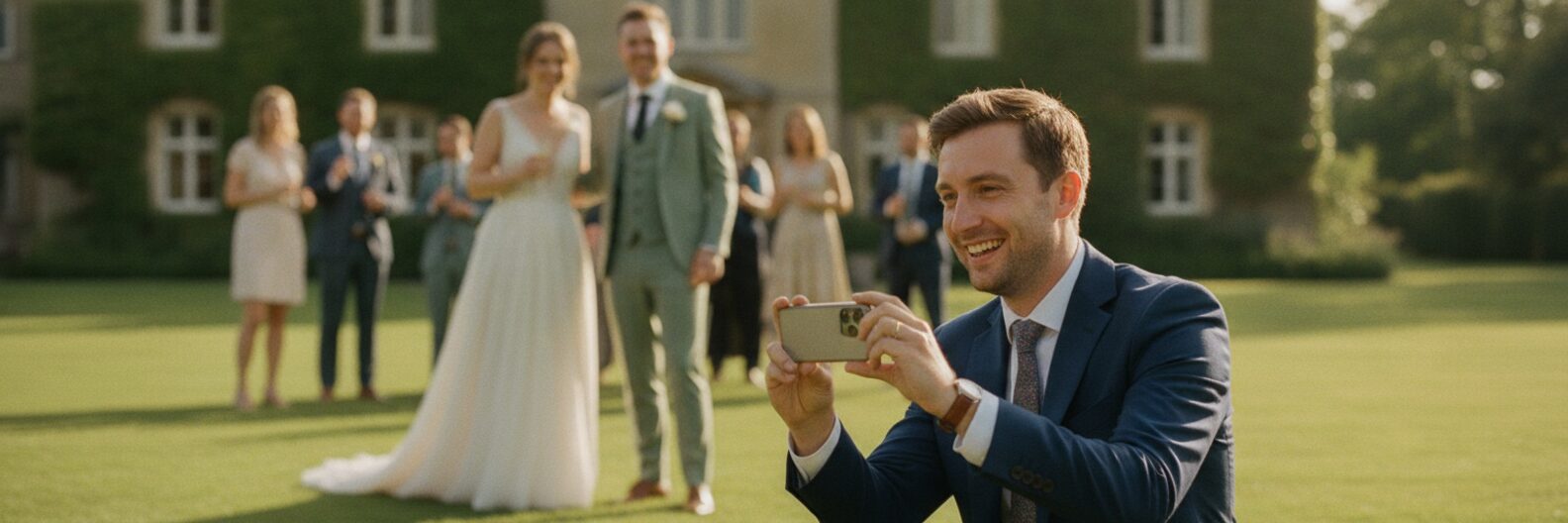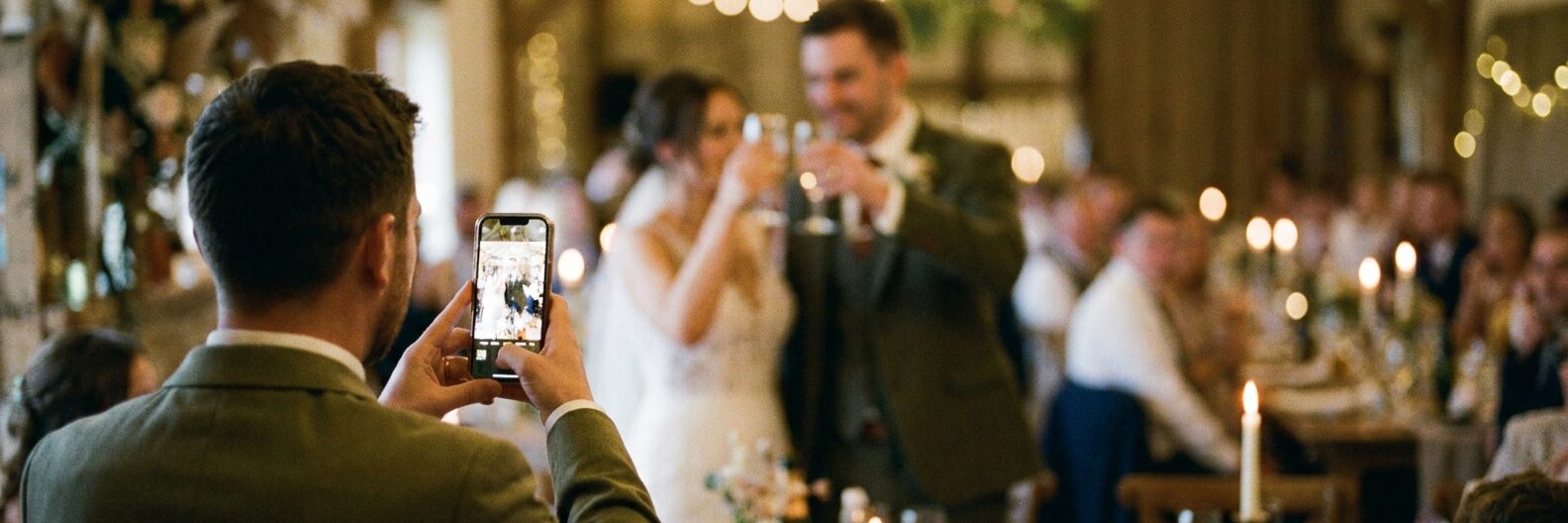
Your guests take far more photos than you will ever see: the confetti shot your cousin nailed, the dance floor carnage at midnight, the quiet moment between your parents that nobody else noticed.
Most of them stay trapped on guests' phones, slowly sinking down camera rolls until they're forgotten entirely.
It doesn't have to be this way. There are several methods for collecting wedding photos from guests, and they range from completely free (and a bit chaotic) to simple paid options that do the heavy lifting for you.
The WhatsApp group approach
The most popular method, and the one most likely to disappoint you.
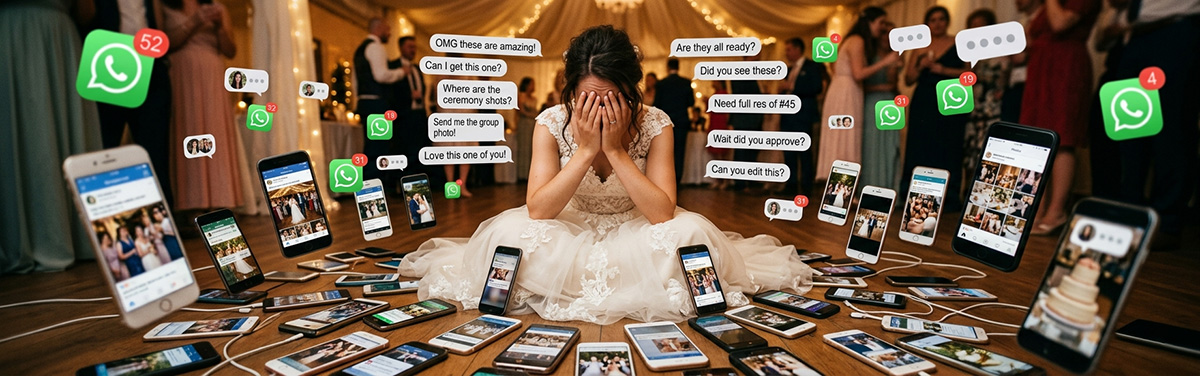
The idea is simple: create a WhatsApp group, add your guests, and ask them to share their photos. In practice, it goes something like this. You create the group. Twenty people join. Five of them send photos on the day - mostly selfies. The group goes quiet by Tuesday. You send a "reminder" on Wednesday. Two more people send a few photos. By next week, nobody remembers the group exists.
The bigger issue is quality. WhatsApp compresses every image that passes through it, which means those beautiful full-resolution shots from your guest's iPhone end up looking like they were taken on a microwave. If you ever want to print any of these photos, you'll be disappointed.
WhatsApp groups work best for very small, close-knit weddings (under 30 people) where everyone's already chatting regularly. For anything bigger, the signal-to-noise ratio gets painful fast.
Shared albums (Google Photos, iCloud, Dropbox)
A step up from WhatsApp, but with its own friction.
Google Photos lets you create a shared album and send a link to guests. Anyone with the link can add photos. iCloud has a similar feature, and Dropbox lets you create shared folders. The quality is much better than WhatsApp - photos stay at or near their original resolution.
The catch is access. Google Photos requires a Google account. iCloud works best between Apple users. Dropbox wants an app download. In a room of a hundred guests with a mix of iPhones, Androids, and varying levels of technical confidence, you'll lose a good chunk of people at the "sign in" stage.
There's also the organisation problem. Without any structure, a shared album turns into a dumping ground - 800 photos in no particular order, with no way to find anything. You'll spend hours scrolling through near-identical group shots looking for the one where everyone's eyes are open.
Shared albums work well if your guests are tech-comfortable and predominantly on one platform. For mixed groups, the friction is real.
Wedding hashtags
Create a hashtag like #SmithWedding2026, ask guests to use it when posting to Instagram, and browse the results later.
It's free, it's easy to set up, and it catches the photos people were going to post anyway. But it has some fundamental limitations. Not everyone uses Instagram. Private accounts don't show up in hashtag searches. Photos get compressed by the platform. And you're relying on a social media feed to store your wedding memories - which feels increasingly precarious in 2026.
Hashtags work as a supplement, not a primary collection method. They'll catch photos from your Instagram-active friends, but they'll miss everyone else.
Disposable cameras on tables
There's a romantic appeal to scattering disposable cameras across your reception tables. Guests pick them up, snap away, and you get the photos developed afterwards for a lovely film-look album.
The reality is less charming. Each camera costs £10-15, development and scanning runs another £10-15 per camera, and a ten-table wedding will set you back £200-300 before you've seen a single image. Roughly a third of the cameras will walk out with guests, another chunk will have wasted exposures (photos of the ceiling, blurry close-ups, accidental shots), and you'll wait days or weeks to see any of them.
If you love the vintage aesthetic, disposable cameras can be a fun addition. But as your primary method of collecting wedding photos from guests? The cost-to-reward ratio is poor. Read our full breakdown of disposable cameras vs a photo sharing app.
A dedicated wedding photo sharing app
This is the approach that consistently delivers the most photos with the least effort.
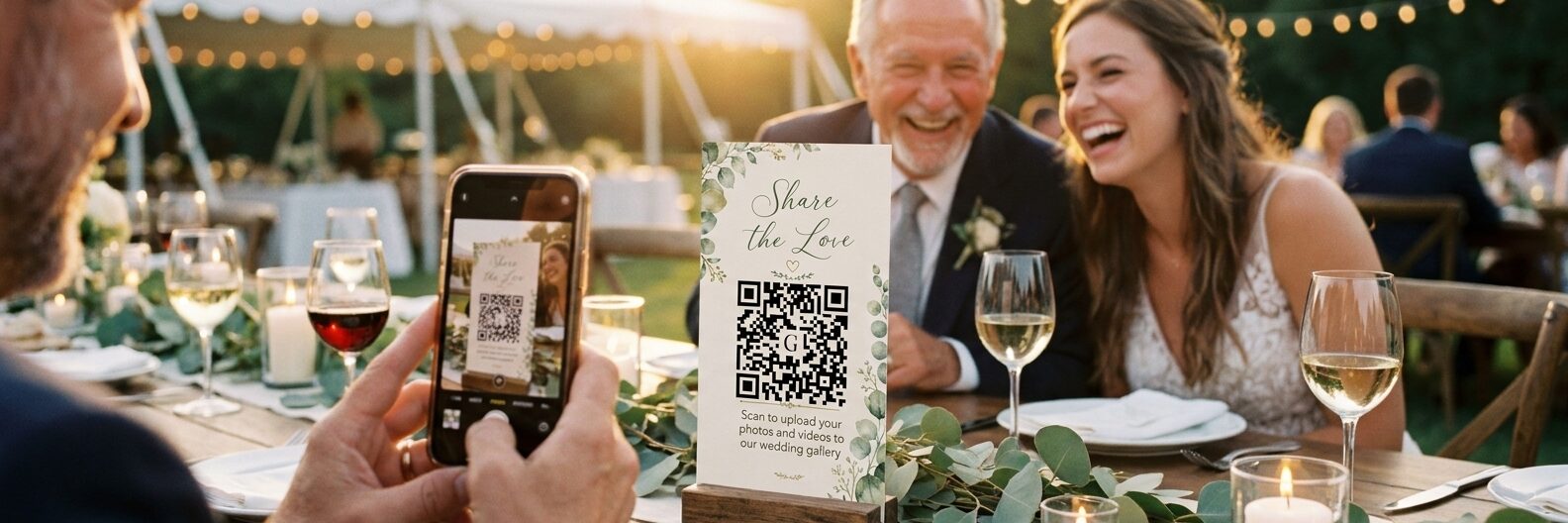
The concept is straightforward: you create an album, get a QR code, and display it at your wedding. Guests scan the code from their phone, their browser opens, and they upload photos directly to your private gallery. No app download, no account creation, no technical hurdles.
The best wedding photo apps add smart features on top of this. Gather & Group, for example, uses facial recognition to automatically group photos by the people in them - so instead of scrolling through hundreds of unsorted images, you can tap on a face and see every photo that person appears in. The facial recognition runs on UK servers rather than through third-party AI, which is a privacy advantage if you care about where your guests' biometric data ends up.
The trade-off is cost - but compared to disposable cameras, it's a fraction of the price. Gather & Group charges a flat £49 for unlimited photos, unlimited guests, and 12 months of access.
Participation rates with QR-code apps tend to be significantly higher than any other method, because the barrier to entry is so low. A guest goes from "I should share this" to "done" in about ten seconds.
The method that works best
Use a dedicated photo sharing app as your primary method, and supplement it with a casual hashtag for the Instagram crowd. That covers the widest range of guests with the least friction.
Put QR codes everywhere - tables, the bar, the photo booth, the bathroom (seriously - people check their phones in there). Mention it in a speech. Send a reminder the morning after. And then let the photos roll in.
The difference between couples who collect 50 guest photos and those who collect 500 is rarely the technology. It's visibility. Make the QR code impossible to ignore, and your guests will do the rest.
Ready to start collecting? Start your free trial and get your QR code in minutes - no credit card needed, unlimited uploads and facial recognition included.