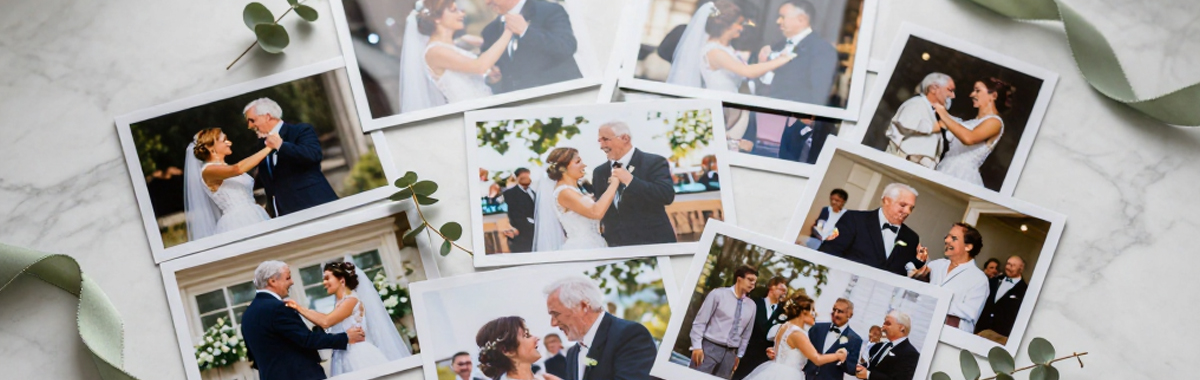
Your wedding photographer will capture the big moments - the ceremony, the first dance, the group shots. But it's your guests who'll catch the candid, unscripted moments that tell the story of your day. The problem? Those photos end up scattered across dozens of phones, never to be seen again.
Why guest photos matter
Professional photographers are brilliant at what they do, but they can only be in one place at a time. Your guests, on the other hand, are everywhere - at the bar, on the dance floor, in the photo booth queue, catching up with old friends. They'll capture the moments your photographer misses: your nan's reaction during the speeches, your best mate's questionable dance moves, the kids stealing cake when nobody's looking.
These are often the photos you'll treasure most. But only if you can collect them.
The options for collecting guest photos
1. The WhatsApp group
The simplest option. Create a group, add everyone, ask them to share their photos.
Pros: Everyone already has WhatsApp. No setup required. Free.
Cons: Photos are compressed (significantly lower quality). Large groups get noisy. You'll need to manually save every photo. People who aren't in the group get left out. Organising hundreds of photos from a group chat is painful.
2. A shared Google Photos or iCloud album
Create a shared album and send the link to your guests before the wedding.
Pros: Better quality than WhatsApp. Most people are familiar with at least one of these.
Cons: Not everyone uses the same platform - Android guests can't easily use iCloud, and not everyone has Google Photos. You'll likely need to set up both. There's no way to organise photos by person or moment. Storage counts against your personal quota.
3. A wedding hashtag
Pick a hashtag like #SmithWedding2026 and ask guests to tag their Instagram or social media posts.
Pros: Easy to set up. Fun and social.
Cons: Only works for guests who use Instagram. Photos are compressed. You can't download originals easily. Private accounts won't show up. Many guests won't bother posting to social media. You don't own or control the photos.
4. A QR code with a shared drive or folder
Set up a Google Drive or Dropbox folder and generate a QR code that links to it.
Pros: Full quality uploads. One link works for everyone.
Cons: The upload experience on mobile is clunky - guests have to navigate a file picker, which puts many people off. No organisation. No way to identify who uploaded what. You'll need enough storage space on your cloud account.
5. A dedicated wedding photo site
Purpose-built apps give each couple a private gallery with a unique QR code. Guests scan the code and upload directly from their phone - no app download, no account creation, no fuss.
Pros: Designed specifically for this. Full quality photos. Works on any phone. Easy for guests of all ages. Photos are organised automatically. Features like facial recognition can sort photos by person. You keep everything in one place.
Cons: Not free (though typically less than you'd spend on disposable cameras for every table).
Tips to get guests to share their photos
Whichever method you choose, the biggest challenge is getting people to do it.
Make it easy
The fewer steps, the better. If guests have to download an app, create an account, or figure out how to join an album, you'll lose most of them. A QR code that goes straight to an upload page is the gold standard - scan, select photos, done.
Tell them on the day
Put QR codes or instructions on the tables, near the bar, or in the order of service. A quick mention during the speeches helps too. Don't rely on a message sent weeks before - people forget.
Send a reminder after
The best photos often come a day or two after the wedding, once people have recovered and are scrolling through their camera rolls. A quick message the next week saying "we'd love to see your photos" works wonders. Gather & Group can automate this for you.
Don't overthink it
You don't need every single photo from every single guest. Even collecting photos from half your guests will give you hundreds of extra moments you'd never have seen otherwise.
What about quality?
Modern phones take excellent photos. The main thing to watch out for is compression - services like WhatsApp and Instagram reduce photo quality significantly when sharing. If you want to print any of the guest photos (in a photobook, for example), you'll want the originals at full resolution. Gather & Group stores all photos and videos in their original quality.
Methods that preserve full quality: shared cloud folders, dedicated wedding photo apps, AirDrop (but only for nearby iPhone users)
Methods that compress: WhatsApp, Instagram, Facebook, iMessage (when sent as SMS to Android).
Our recommendation
For most couples, a dedicated wedding photo app gives the best balance of ease and quality. Your guests get a simple experience (scan a QR code, upload photos), and you get an organised gallery with full-resolution images you can browse, download, and print.
We built Gather & Group for this. Every couple gets a private gallery with a unique QR code, automatic photo organisation, and the option to turn your favourite guest photos into a professionally printed photobook. No app download required for your guests - it all works in the browser.
You won't want to be setting up shared albums while you should be enjoying your wedding.